CronTab
Cron expression tool for Android
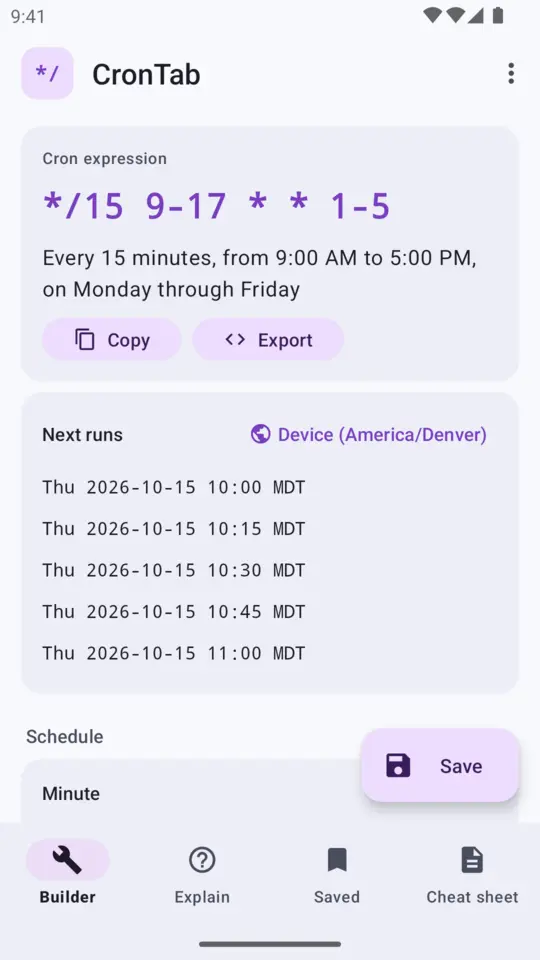
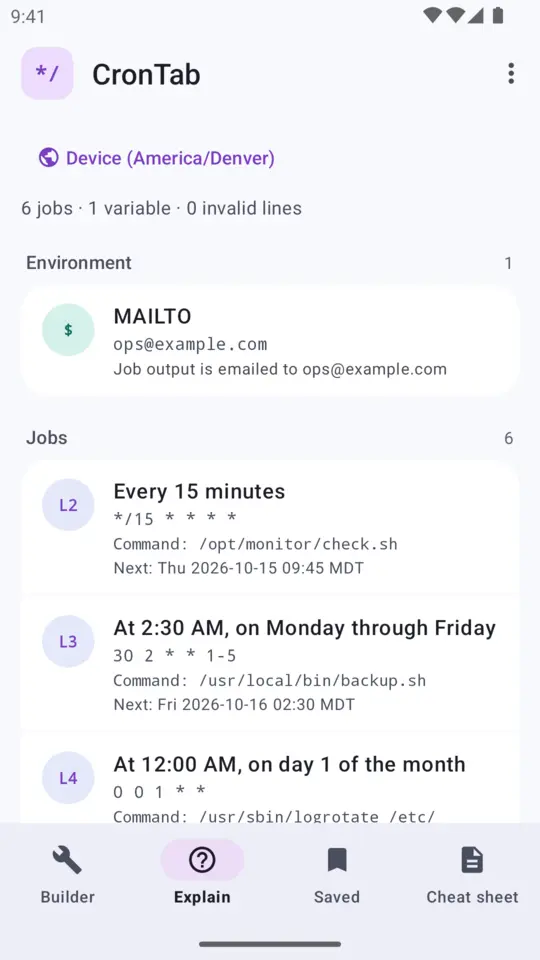
CronTab helps you write cron schedules without second-guessing the syntax. Build an expression visually, paste one in for a plain-English explanation, and preview exactly when it will run.
Cron BuilderExplainerNext RunsExports
Get it on Google Play
Screenshots
Features
Build and explain
- ✓Visual builder for every field, with @daily and @hourly shortcuts
- ✓Paste a single expression or a whole crontab file for line-by-line explanations
- ✓Mistakes are pointed out so you can fix them
Next-run preview
- ✓Next run times for any time zone, accounting for daylight saving
- ✓Day-of-month and day-of-week combined the way real cron does it
Export and save
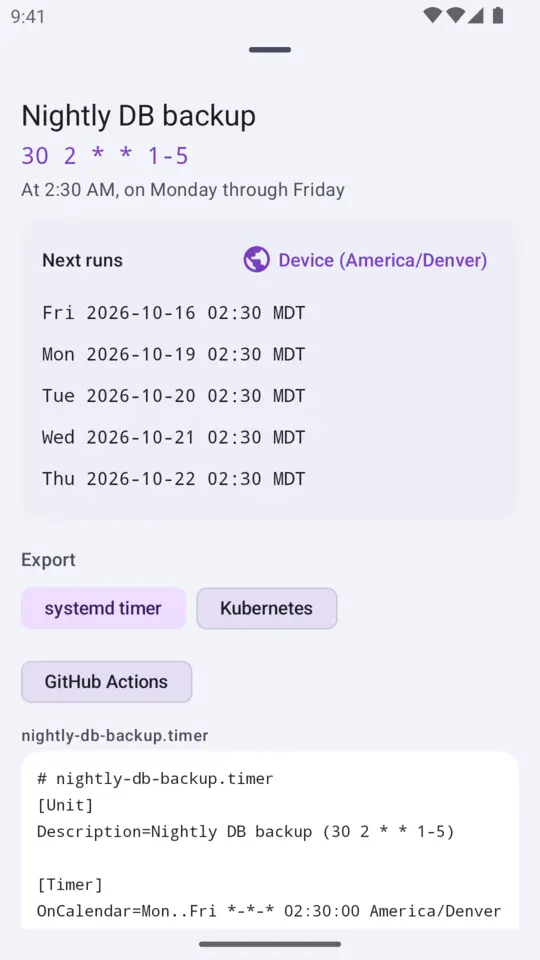
- ✓Convert to a systemd timer, a Kubernetes CronJob or a GitHub Actions schedule
- ✓Save schedules with your own names; home screen widget shows the next run
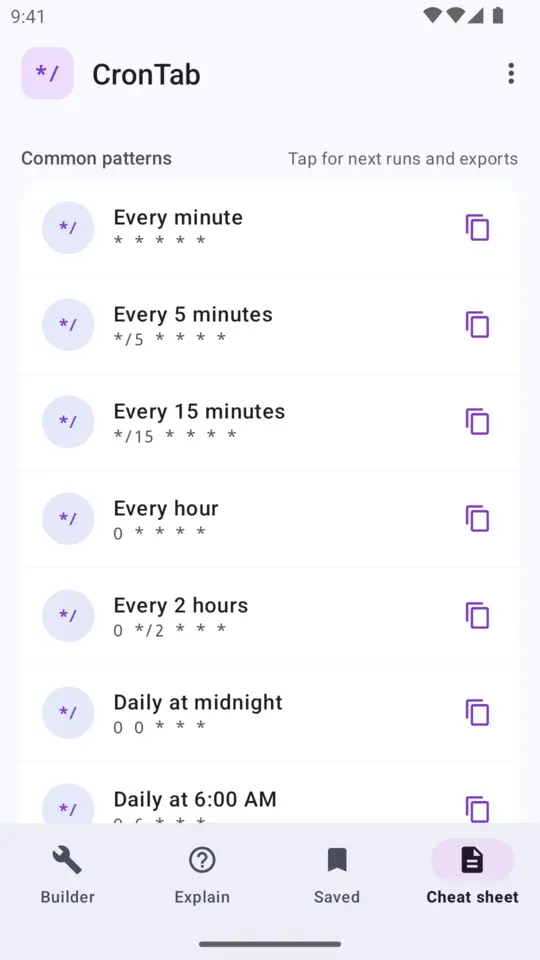
- ✓Built-in cheat sheet of syntax and common patterns
Details
- Price
- Free with ads. Optional one-time purchase to remove them ($1.99 in the US).
- Languages
- English, Spanish, Portuguese (Brazil), German, French and Japanese
- Devices
- Android phones, with a layout for tablets and large screens.
- Good to know
- Works offline. No account required.
- Package
- com.crontab.app